Layered fonts
Some type families ship as several separate font files meant to be stacked on top of each other, each drawing one part of the letterform in its own color. Klaket is a classic example. Hellbox’s layered fonts feature stacks those files into a single multi-color specimen, so you can proof a chromatic family the way it is meant to be seen.
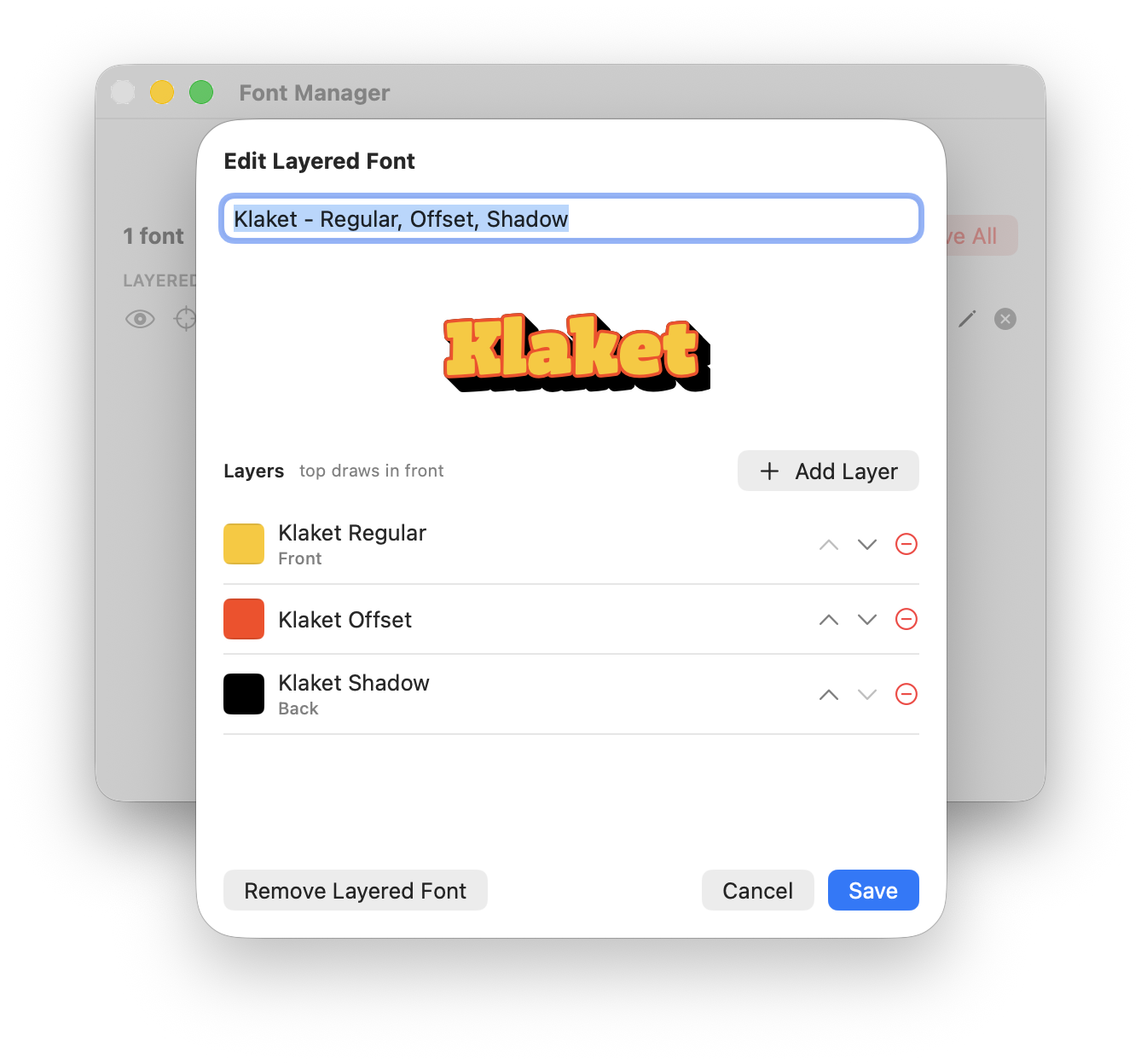 Several font files composited into one multi-color specimen
How it works
A layered font is a group of ordinary font files treated as one. Each file becomes a layer, drawn in its own color, and the layers are composited back-to-front into a single piece of text. The proof renders the stack as one specimen rather than one page per file.
- Add the individual layer files like any other font
- Select them and group them into a layered font
- Set each layer’s color and draw order
- The layers composite into one multi-color specimen
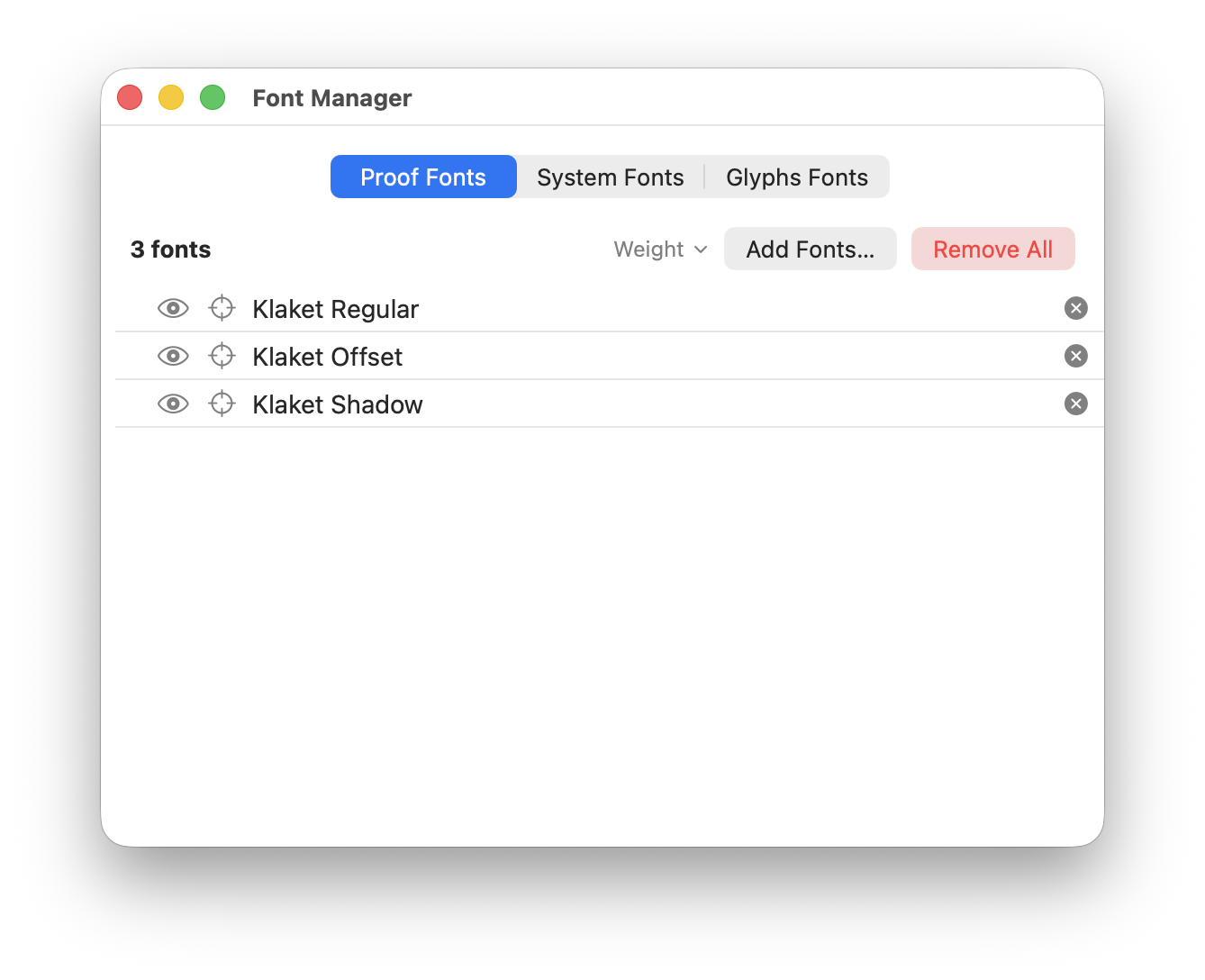 Add each layer file like any other font
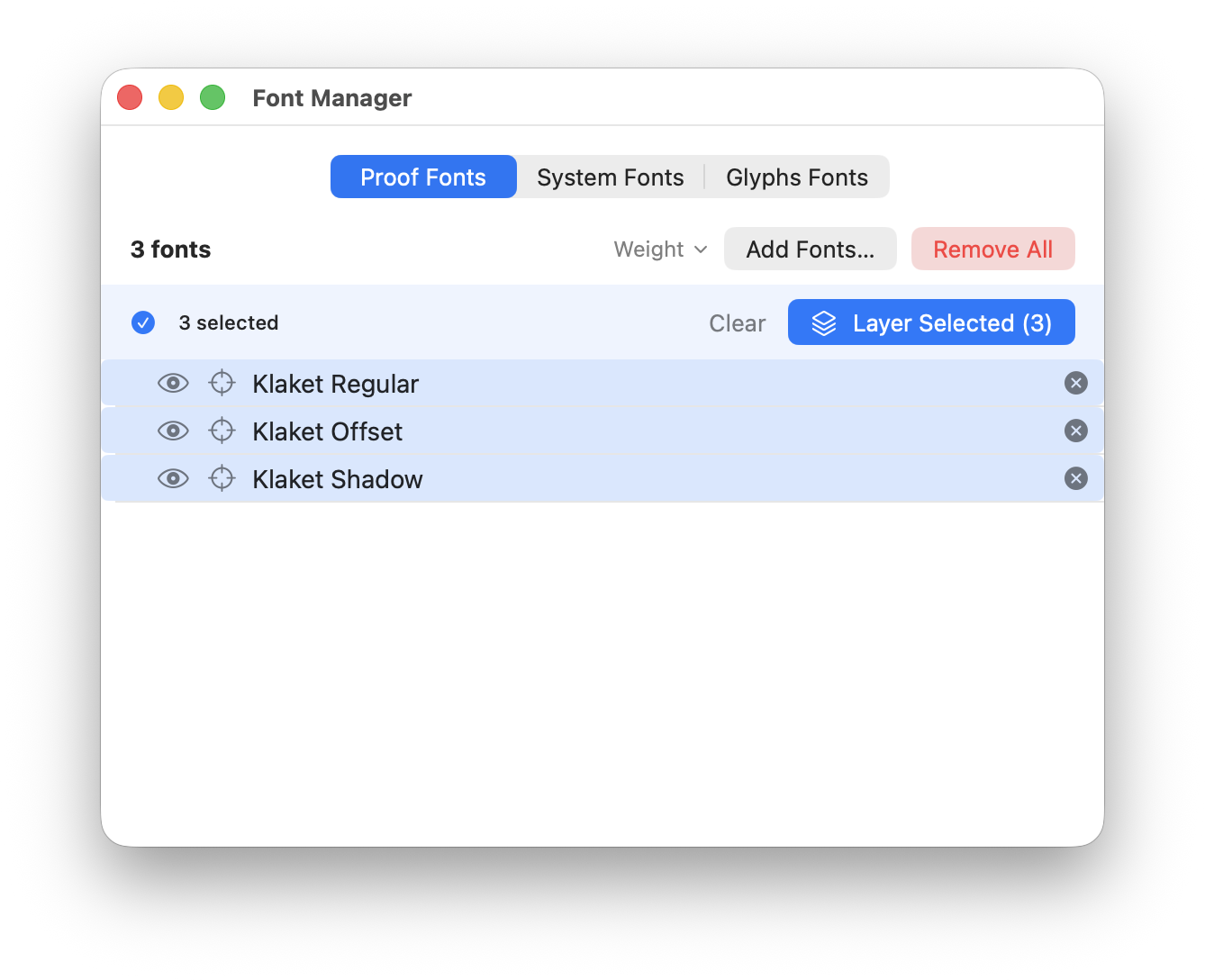 Select the layers and group them into one layered font
Per-layer controls
In the layered font editor you set each layer’s color and draw order, add or remove layers, and rename the group. Once created, a layered font sits in the Font Manager like any other font, with the same show, hide, and solo controls plus a consistent remove control, so you can isolate a single layer or temporarily drop one while you work.
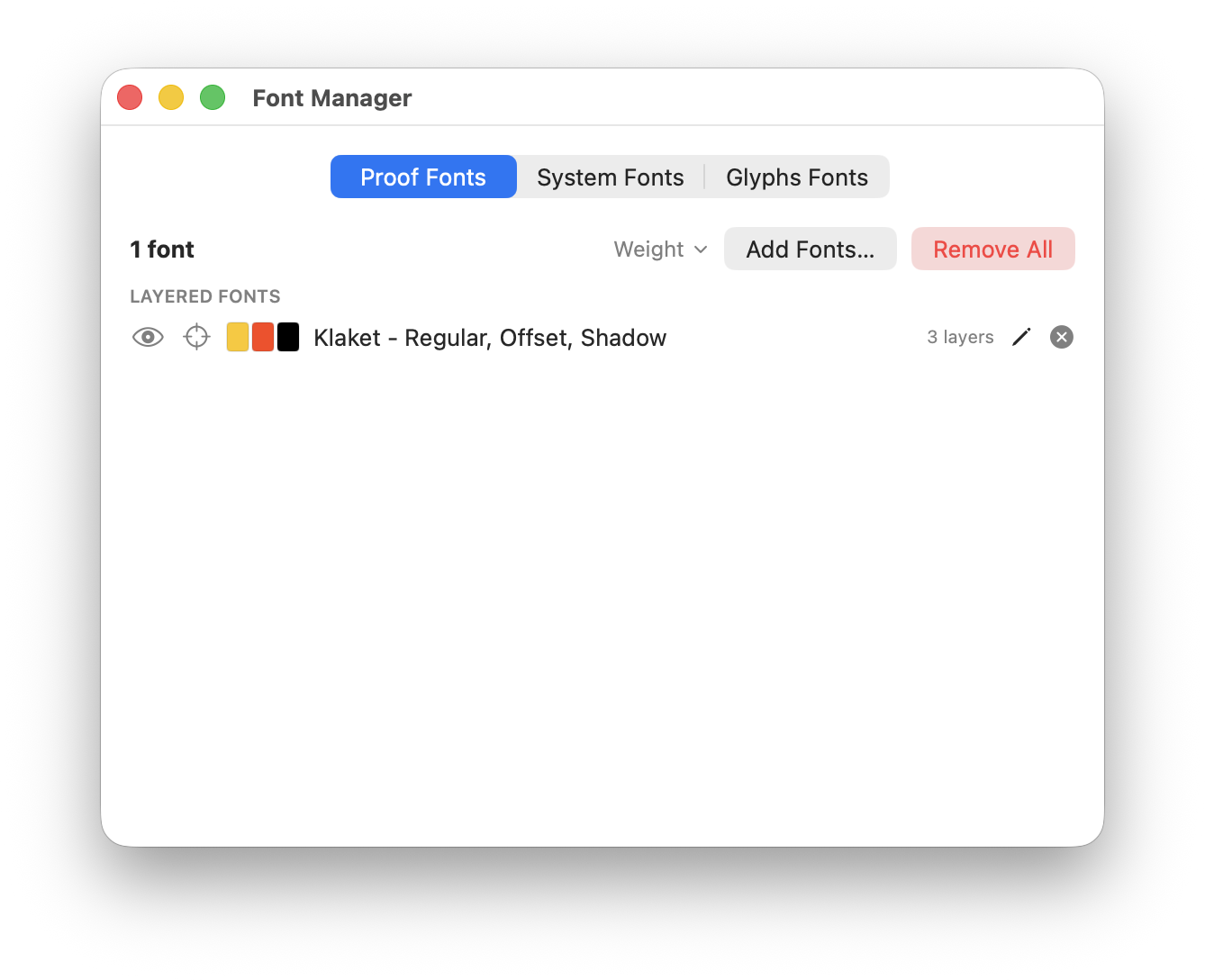 The finished layered font sits in the Font Manager like any other, with the same controls
Across every section type
A layered font works anywhere a normal font does. Use it in Simple, Waterfall, Columns & Rows, Compare Styles, and Glyph Set sections, and the stack composites correctly in each.